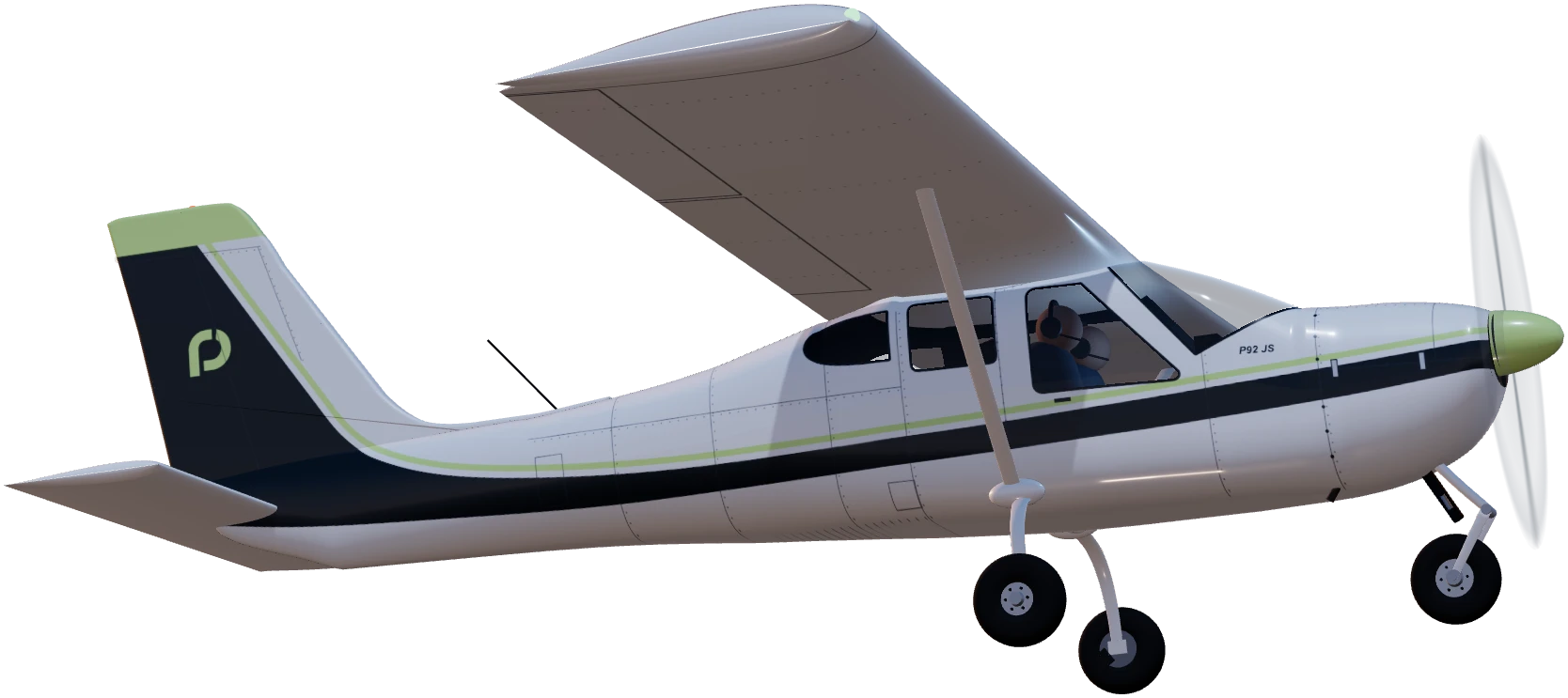
Made for student pilots
Practice tools
for pilots.
Work wind triangles on a 3D CRP-1 flight computer and get to know the Cessna 152 and Tecnam P92 JS cockpits before you fly.
- Free
- No account
- Phone and desktop
- Practise anywhereNo flight computer in your bag? Open it on your phone or laptop.
- Learn by doingThe guided lesson checks your setup and gives hints when you need them.
- Know your aircraftChair-fly the C152 or P92 JS panel before you sit in the real one.
Tools
Two tools, ready in your browser.
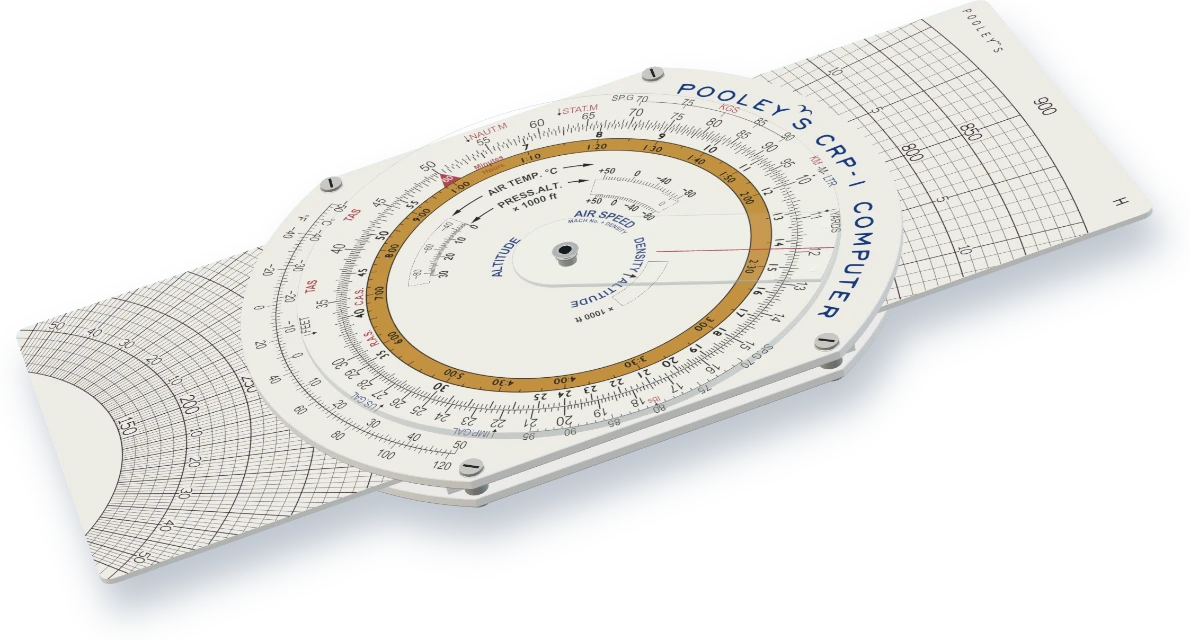
Flight computer Available
CRP-1 flight computer
A working 3D CRP-1 with calculator and wind sides, plus a guided wind-correction lesson that checks each step.
Open CRP-1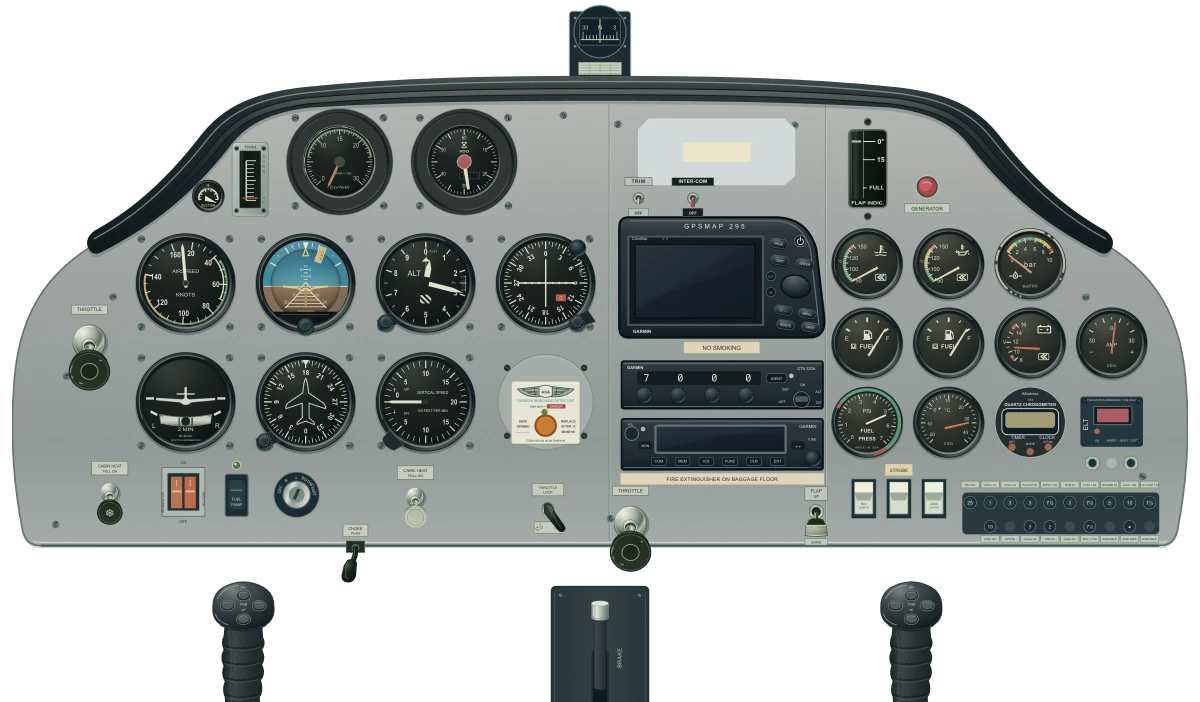
Chair flying Cockpits available
Cockpit flows
Detailed Cessna 152 and Tecnam P92 JS panels to learn where everything sits. Flow rehearsal and checklist practice: In development
Explore cockpits
Cleared to practise.
Free in your browser, on any device. No account needed.